

Moving Past the Dusty Glass Cabinets
Walk into almost any high school across the country and you see the exact same thing. A dimly lit glass cabinet stuffed with tarnished brass from 1985 sitting right next to last year’s state championship plaque. Nobody really stops to look at it anymore. Athletic directors and school administrators are catching on that digital recognition is the way forward. Going digital solves the space issue and actually gives students the recognition they deserve.
Picking the system to run it can turn into a headache if you don’t know what to look for. You aren’t just buying a TV for the hallway. You are setting up a system that needs to be managed for the next decade. There are dozens of vendors pitching different solutions, and cutting through their sales pitches takes a bit of technical understanding and a lot of common sense.
Figuring Out the Hardware and Screens
The screen is what everyone sees first. Schools often get caught up in buying the biggest commercial display they can afford. That makes sense on the surface. But the physical screen is only half the equation. You need an interactive trophy display that responds quickly to student taps and swipes. If a parent touches the screen to find their kid’s wrestling stats and it takes ten seconds to load, they walk away and never use it again.
Think about placement and the physical environment. A screen in the main athletic lobby gets a massive amount of natural light. You need commercial grade panels with high brightness ratings to cut through the glare. Consumer TVs from a big box store will literally burn out after a year of running twelve hours a day. Keep the focus on commercial hardware with a responsive touch interface.
You also need to consider mounting height and ADA compliance. An eight foot tall screen looks impressive but is entirely useless for someone in a wheelchair trying to view the bottom menus. Work with a vendor who understands public installation requirements, not just someone trying to move hardware.
Keeping the Content Updated Without the Hassle
Here is where most hallway tech projects fall apart. The vendor sets up the system, hands over the keys, and a year later the content is completely out of date. The backend system is simply too complicated for daily use.
When evaluating different options, you need trophy case software that anyone can pick up and use immediately. The athletic director is already stretched thin handling bus schedules, referees, and angry parents. They don’t have time to learn a complex coding language just to add the new varsity swimming records. The interface should feel like a basic social media app or a simple website builder. If you have to submit a support ticket just to change a student’s photo, you bought the wrong system entirely.
Make sure the platform allows multiple users with different permission levels. The yearbook teacher or student council should be able to upload photos and draft updates while the administration retains final approval before publishing. Distributing the workload is the only way these systems stay relevant year after year.
Dealing with Decades of History
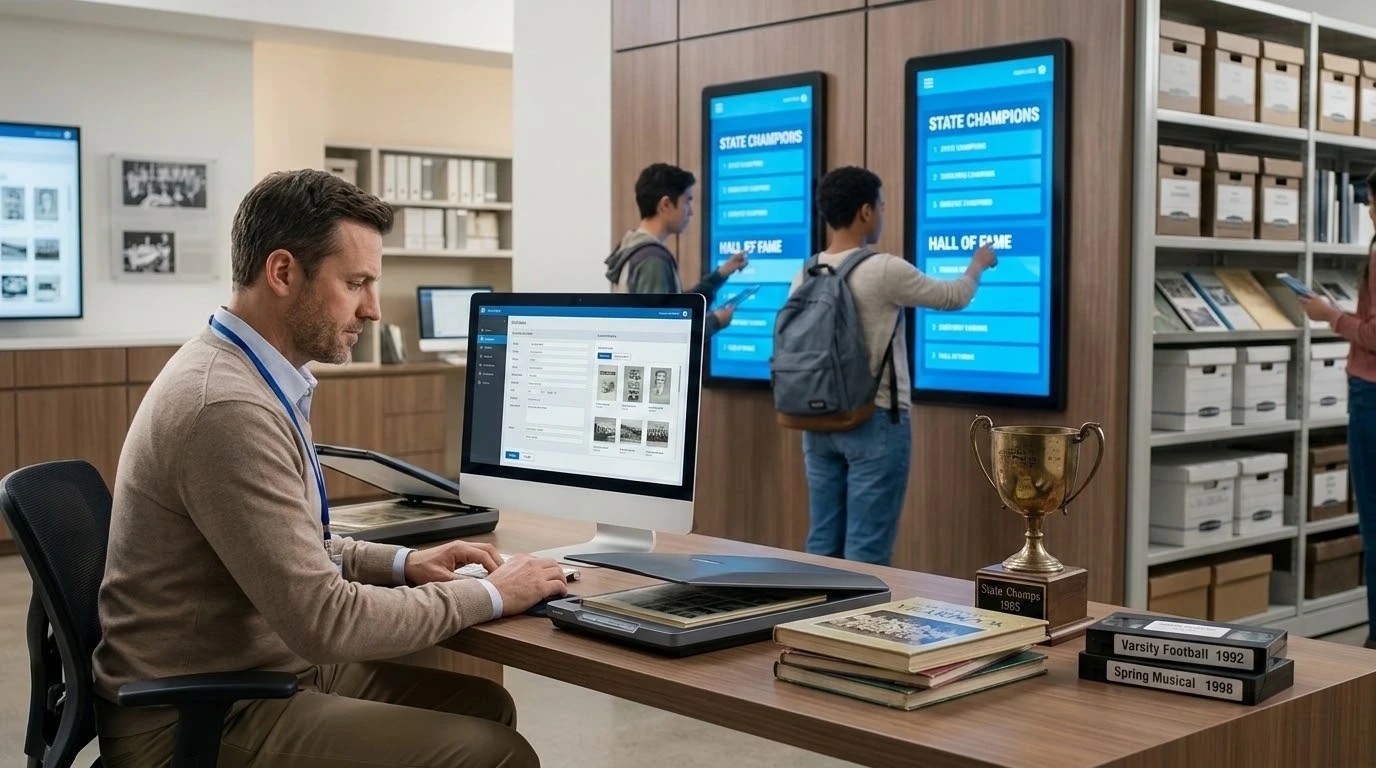
Every school has a massive backlog of history. State titles, academic decathlons, hall of fame inductees, and notable alumni. Getting all that information digitized is a massive undertaking that schools almost always underestimate. Ask potential vendors exactly how they handle bulk historical uploads.
Some companies offer digitization services where they take your old yearbooks and VHS tapes and process them for you. Others just give you a blank template and wish you luck. You need to know what you are signing up for. If your district has to manually type in the names of every track and field letterman since 1970, you need to budget the staff hours for that reality.
Look for platforms that support standard CSV imports at a minimum. This lets you organize your data in a simple spreadsheet before pushing it live to the hallway screens. The navigation menus also need to make sense. A user should be able to sort by decade, sport, or specific awards without tapping through twenty different submenus.
Cloud Hosting Versus Local Networks
IT departments always have strong opinions on network security and connected devices. Let them in on the conversation early before you fall in love with a product. Most modern systems run on cloud servers. This means the screens connect to the internet and pull updates automatically from a remote database. It makes remote management incredibly easy. An administrator can update the basketball roster from their laptop at home on a Sunday night.
Some districts have strict security policies restricting cloud access on school networks. If your IT director insists on a locally hosted solution, your options will shrink significantly. Have this network conversation before you sign any contracts. A system that cannot securely connect to your school network is just an expensive black mirror in the hallway.
Taking the History Beyond the Hallway
A physical display is great for foot traffic during basketball games or parent teacher conferences. But alumni living three states away want to see the new athletic hall of fame inductees too. The best platforms provide a web link or portal that mirrors the hallway experience for online users.
Giving grandparents and out of state alumni access to these records builds massive community goodwill. It also helps with fundraising efforts. When an alumni association sees that the school actively preserves its history and makes it accessible, they are much more likely to write a check for the next stadium renovation. Ask vendors if web access is included in the base price or if it requires a separate subscription tier.
Understanding the Real Costs
Pricing structures in this industry are rarely straightforward. You will typically see a mix of upfront hardware costs, installation fees, and ongoing software licensing. Don’t get blinded by a cheap initial price.
Some companies sell the screens at a heavy discount but lock you into a five year mandatory subscription that increases annually. Others charge a premium upfront but include lifetime software updates. Calculate the total cost of ownership over a five year period. That gives you a realistic comparison between a high upfront cost and a monthly subscription model.
Also factor in hardware replacement and support response times. Even the best screens fail eventually. Know exactly what the warranty covers and who is responsible for sending a technician out when the touch sensor stops working a week before graduation. Read the service level agreement to see if they guarantee a replacement timeline or if you will be staring at a broken screen for three months while parts ship from overseas.
No responses yet